特定のコンテナセットを維持することは、Kubernetesを使用する主な利点の1つです。
この記事では、この側面、つまり、コンテナーが稼働しているかどうかを確認する方法と、必要に応じてコンテナーを再起動する方法、およびアプリケーション開発者がこの問題でオーケストレーションシステムをどのように支援できるかを理解したいと思います。
実験を開始するには、Kubernetesクラスターが必要です。DockerDesktopが提供するテスト環境を使用します。これを行うには、設定でKubernetesをアクティブ化する必要があります。
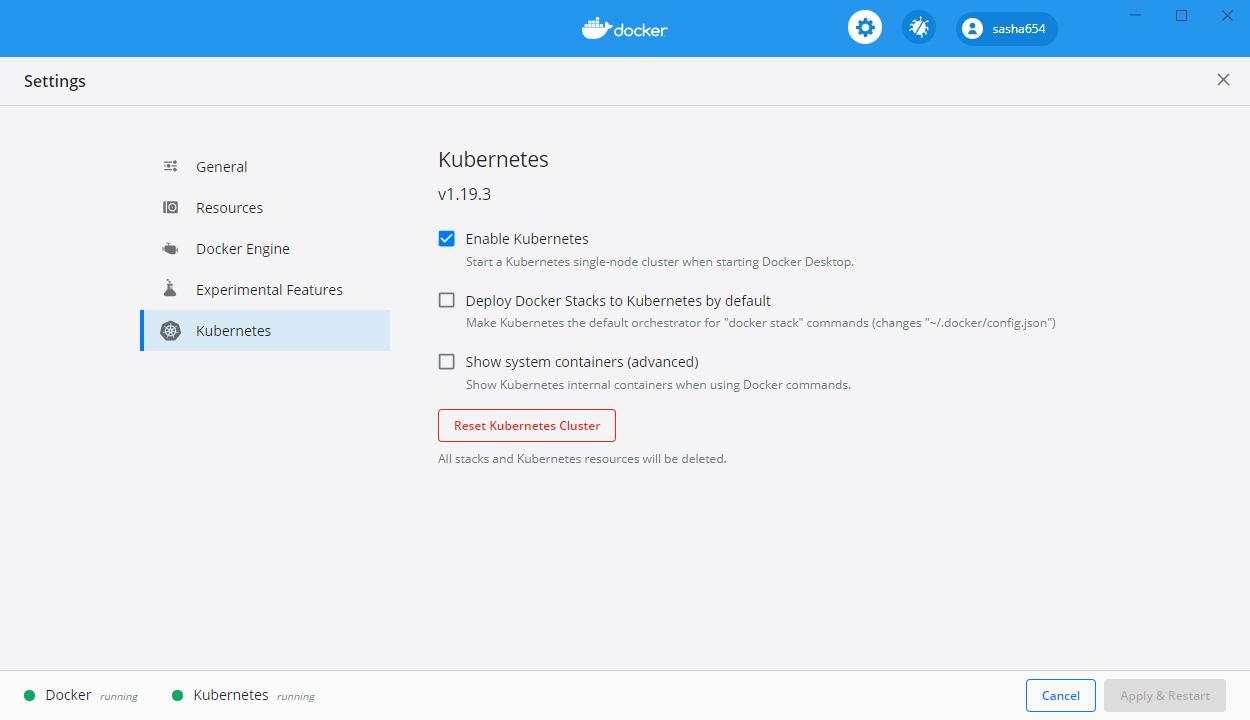
DockerDesktopをWindows10にインストールする方法は、この記事の最初の部分にあります。
WebAPIの構築
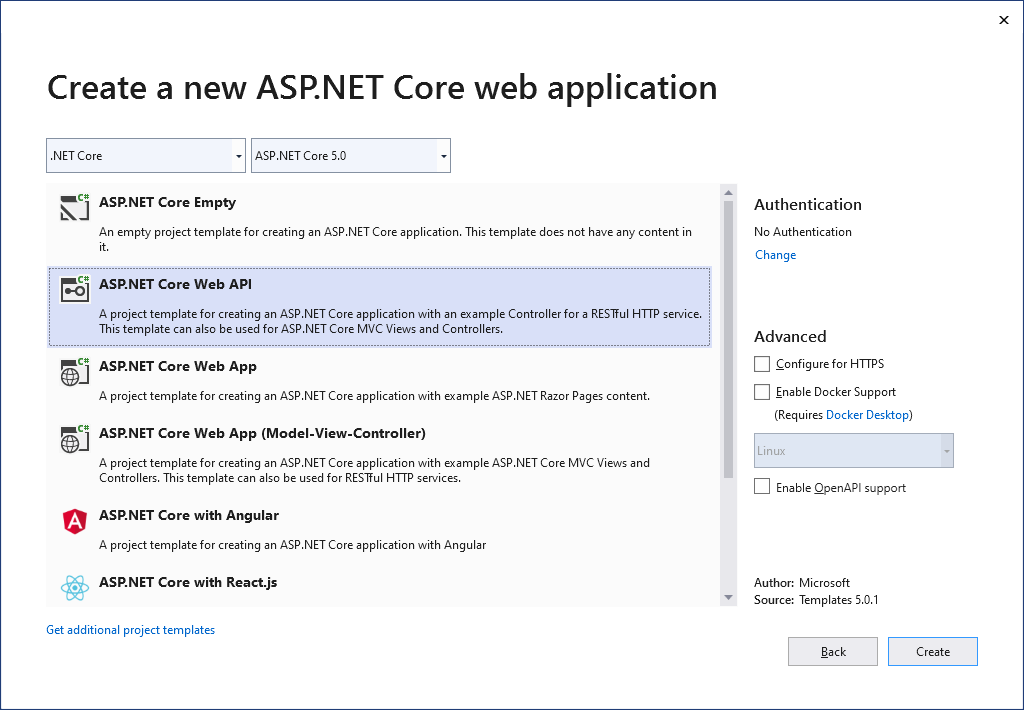
さらに実験するために、ASP.NET Core WebAPIテンプレートに基づいて簡単なWebサービスを作成します。
パッケージマネージャーを使用して、コマンドでランダムテキストを生成するためのパッケージを追加します Install-Package Lorem.Universal.Net -Version 3.0.69
Program.csファイルを変更します
using Microsoft.AspNetCore.Hosting;
using Microsoft.Extensions.Hosting;
using System;
namespace WebApiLiveness
{
public class Program
{
private static int _port = 80;
private static TimeSpan _kaTimeout = TimeSpan.FromSeconds(1);
public static void Main(string[] args)
{
CreateAndRunHost(args);
}
public static void CreateAndRunHost(string[] args)
{
var host = Host
.CreateDefaultBuilder(args)
.ConfigureWebHostDefaults(webBuilder =>
{
webBuilder
.UseKestrel(options =>
{
options.ListenAnyIP(_port);
options.Limits.KeepAliveTimeout = _kaTimeout;
})
.UseStartup<Startup>();
})
.Build();
host.Run();
}
}
}
LoremServiceクラスをプロジェクトに追加します。これにより、ランダムに生成されたテキストが返されます。
using LoremNET;
namespace WebApiLiveness.Services
{
public class LoremService
{
private int _wordCountMin = 7;
private int _wordCountMax = 12;
public string GetSentence()
{
var sentence = Lorem.Sentence(_wordCountMin, _wordCountMax);
return sentence;
}
}
}
スタートアップクラスで、作成したサービスを登録します
public void ConfigureServices(IServiceCollection services)
{
services.AddSingleton<LoremService>();
services.AddControllers();
}
LoremController
using Microsoft.AspNetCore.Mvc;
using System;
using System.Net;
using WebApiLiveness.Services;
using Env = System.Environment;
namespace WebApiLiveness.Controllers
{
[ApiController]
[Route("api/[controller]")]
public class LoremController : ControllerBase
{
private readonly LoremService _loremService;
public LoremController(LoremService loremService)
{
_loremService = loremService;
}
//GET api/lorem
[HttpGet]
public ActionResult<string> Get()
{
try
{
var localIp = Request.HttpContext.Connection.LocalIpAddress;
var loremText = _loremService.GetSentence();
var result =
$"{Env.MachineName} ({localIp}){Env.NewLine}{loremText}";
return result;
}
catch (Exception)
{
return new StatusCodeResult(
(int)HttpStatusCode.ServiceUnavailable);
}
}
}
}
, Dockerfile . , ASP.NET .NET 5.
FROM mcr.microsoft.com/dotnet/aspnet:5.0-buster-slim
COPY bin/Release/net5.0/linux-x64/publish/ App/
WORKDIR /App
ENTRYPOINT ["dotnet", "WebApiLiveness.dll"]
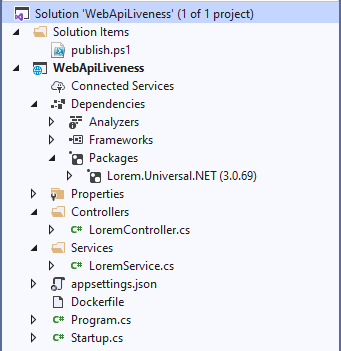
dotnet publish -c Release -r linux-x64
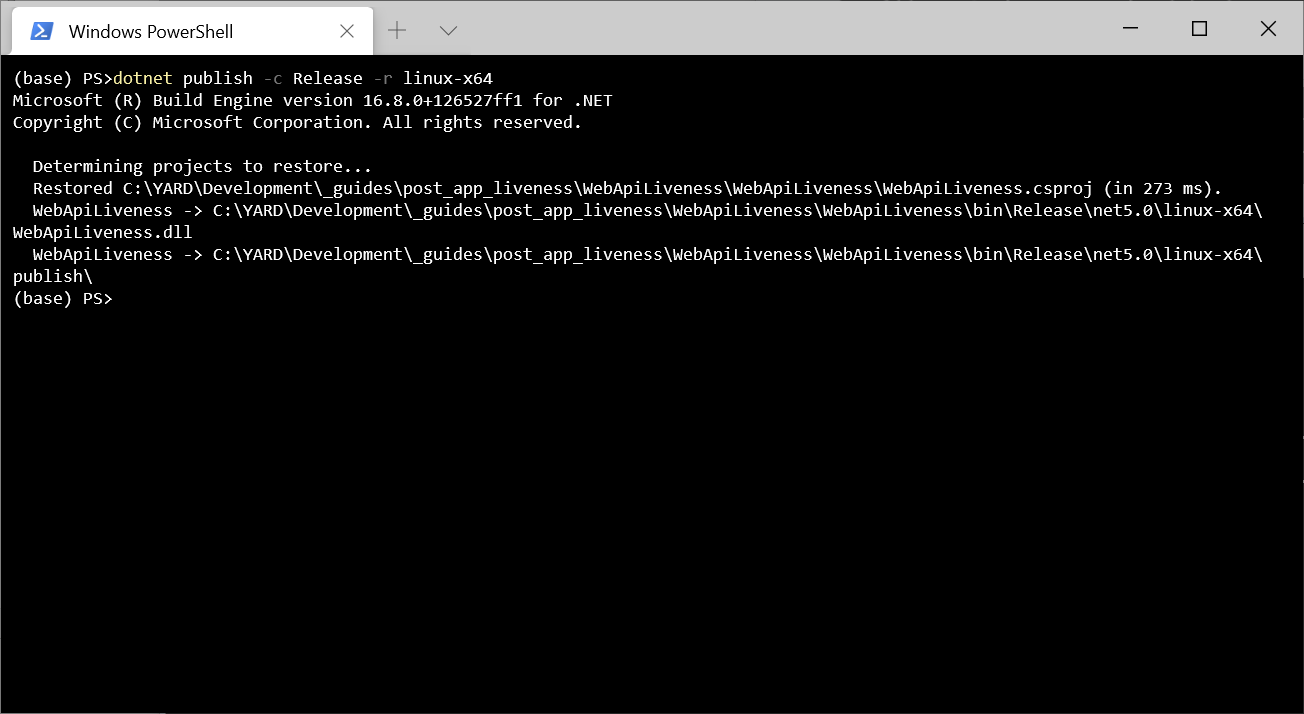
, Dockerfile. , docker build -t sasha654/webapiliveness .
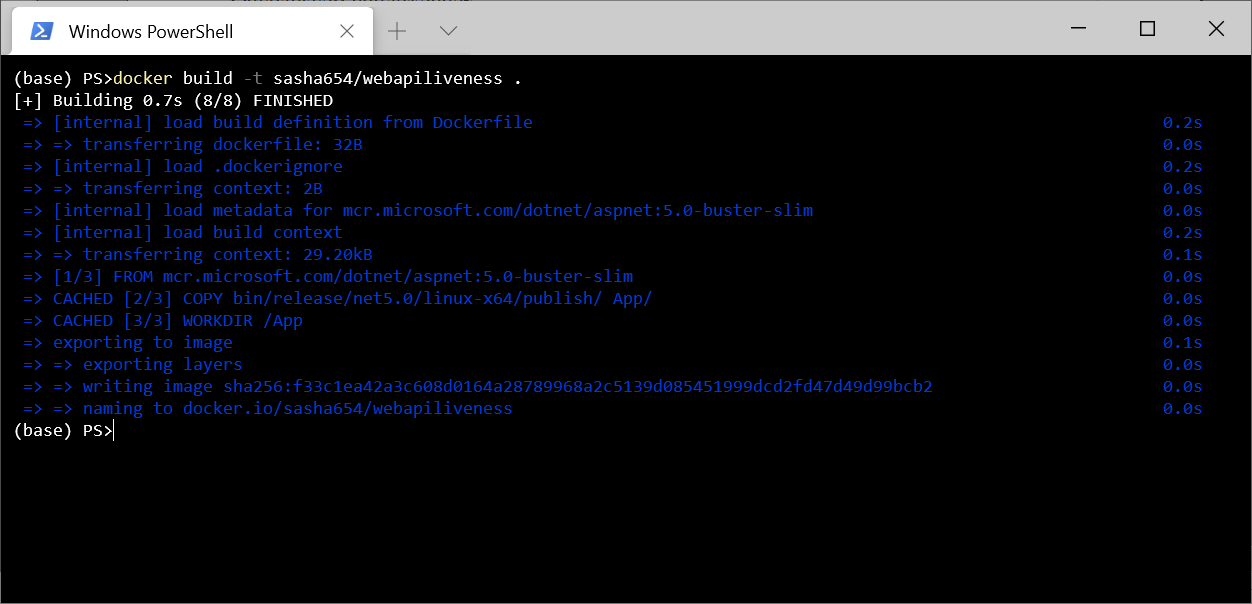
, Docker Hub docker push sasha654/webapiliveness
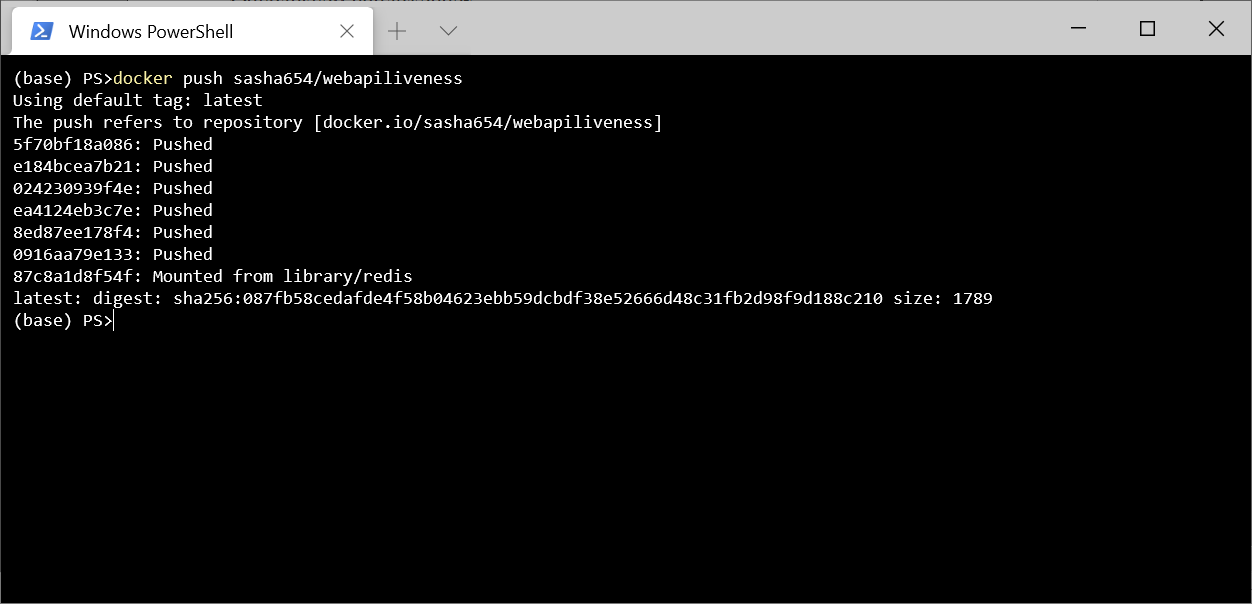
. Docker Hub, , sasha654 Docker ID, .
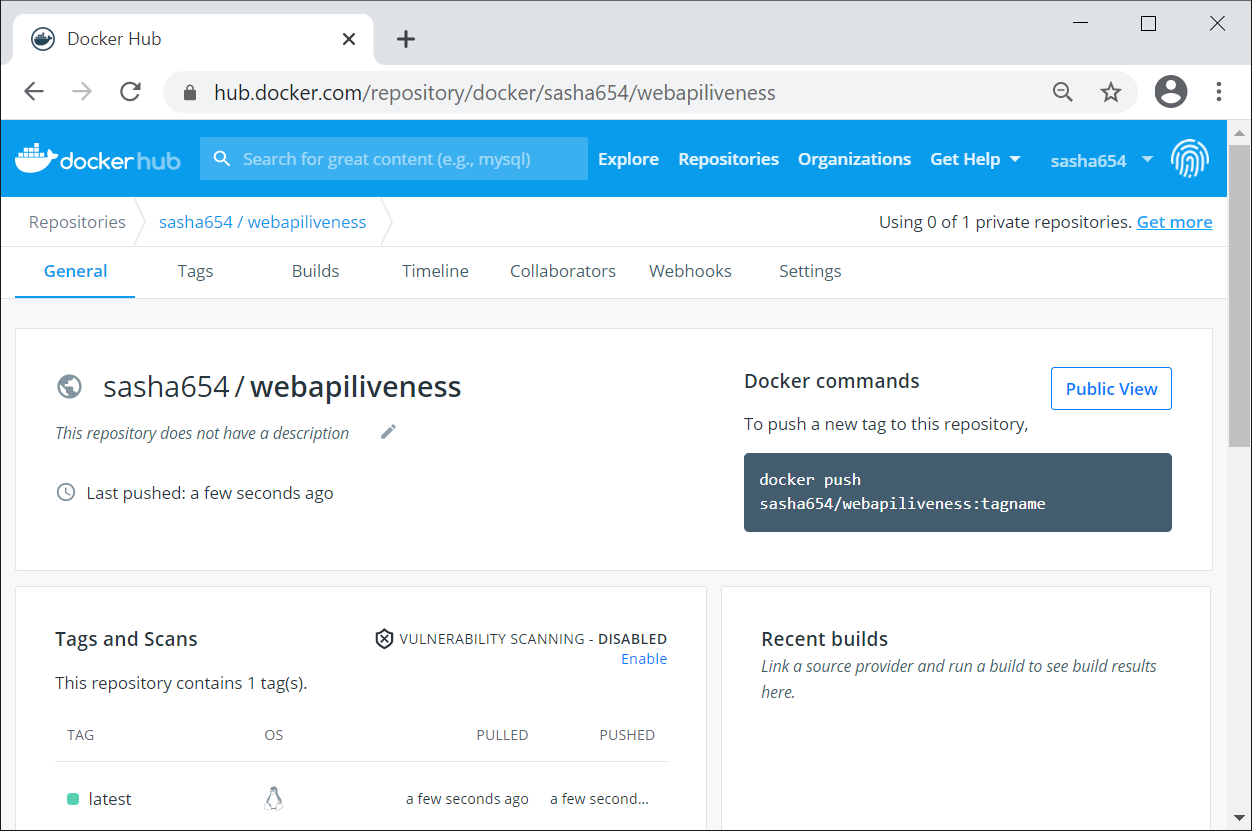
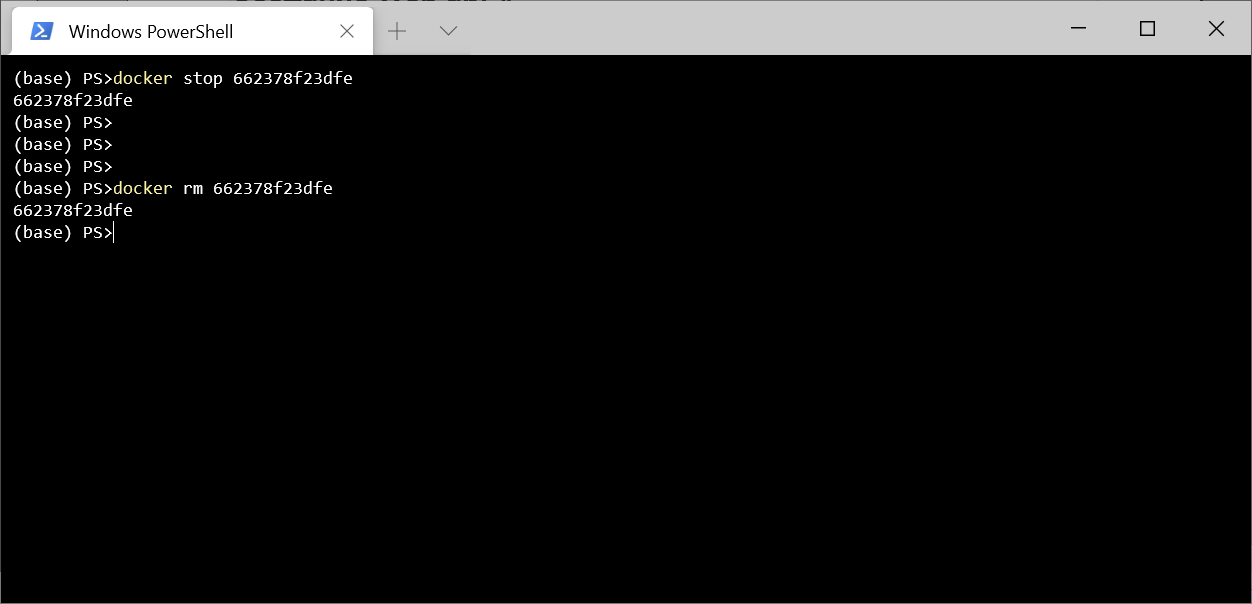
Kubernetes, , Docker docker run -p 8080:80 -d sasha654/webapiliveness
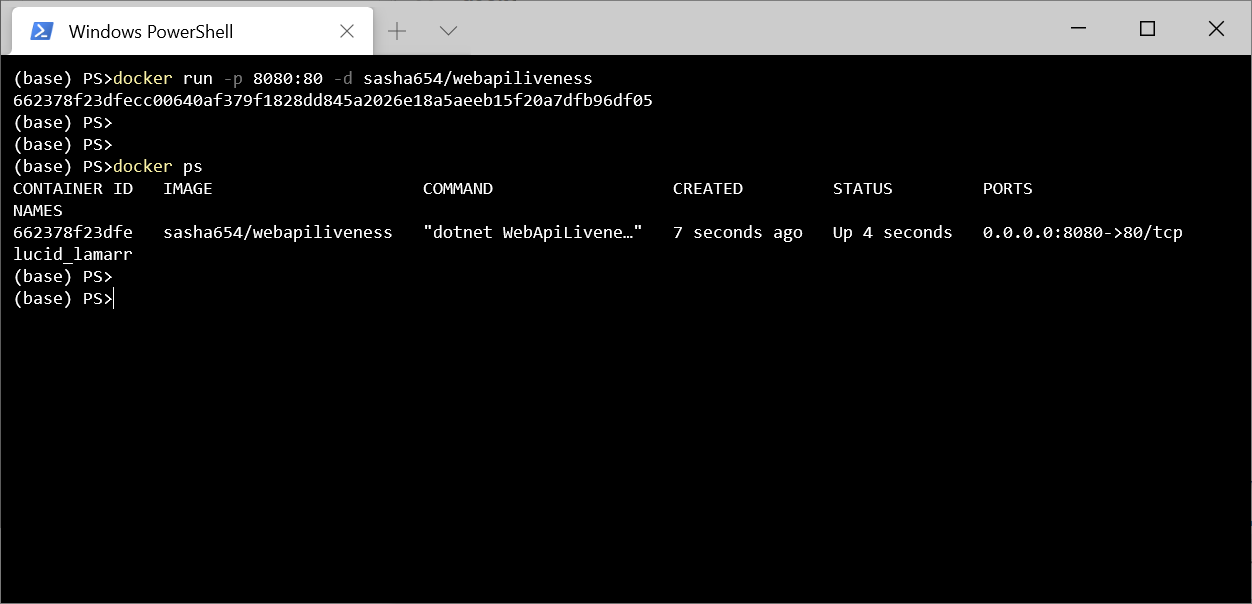
curl http://localhost:8080/api/lorem
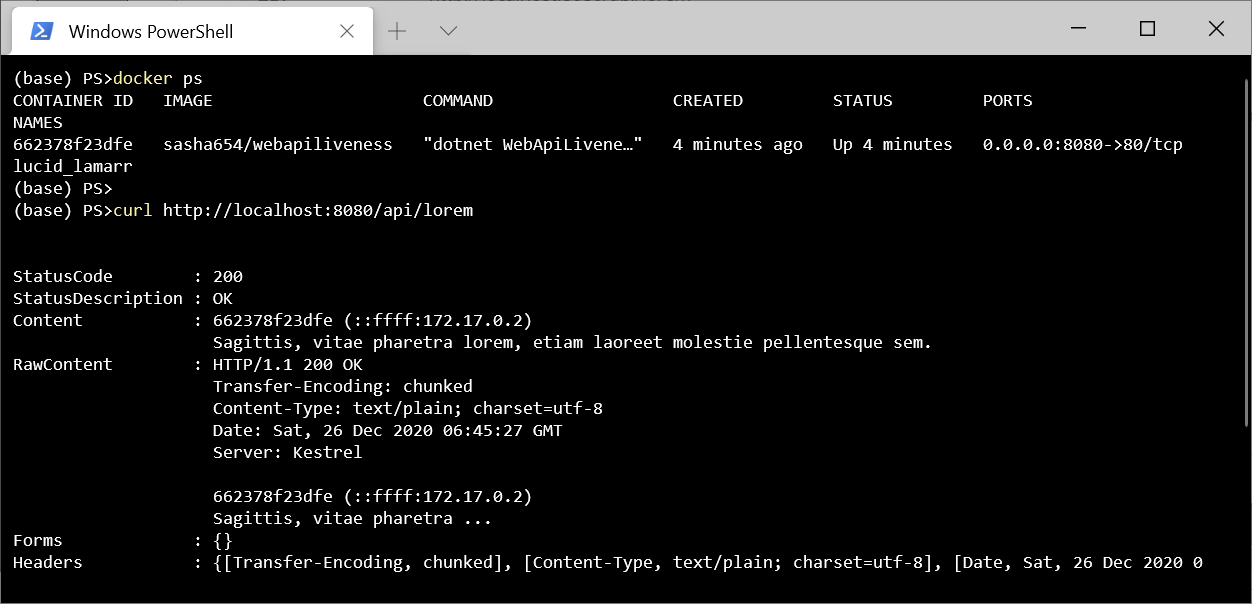
! , , .
Kubernetes
Kubernetes, Pod – , () ( ) .
. Kubernetes – ReplicaSet, .
ReplicaSet 3 sasha654/webapiliveness. api: loremapi.
apiVersion: apps/v1
kind: ReplicaSet
metadata:
name: myrs
spec:
replicas: 3
selector:
matchLabels:
api: loremapi
template:
metadata:
labels:
api: loremapi
spec:
containers:
- name: webapiliveness
image: sasha654/webapiliveness
kubectl create -f kuber-rs.yaml
, kubectl get rs
kubectl get pods --show-labels
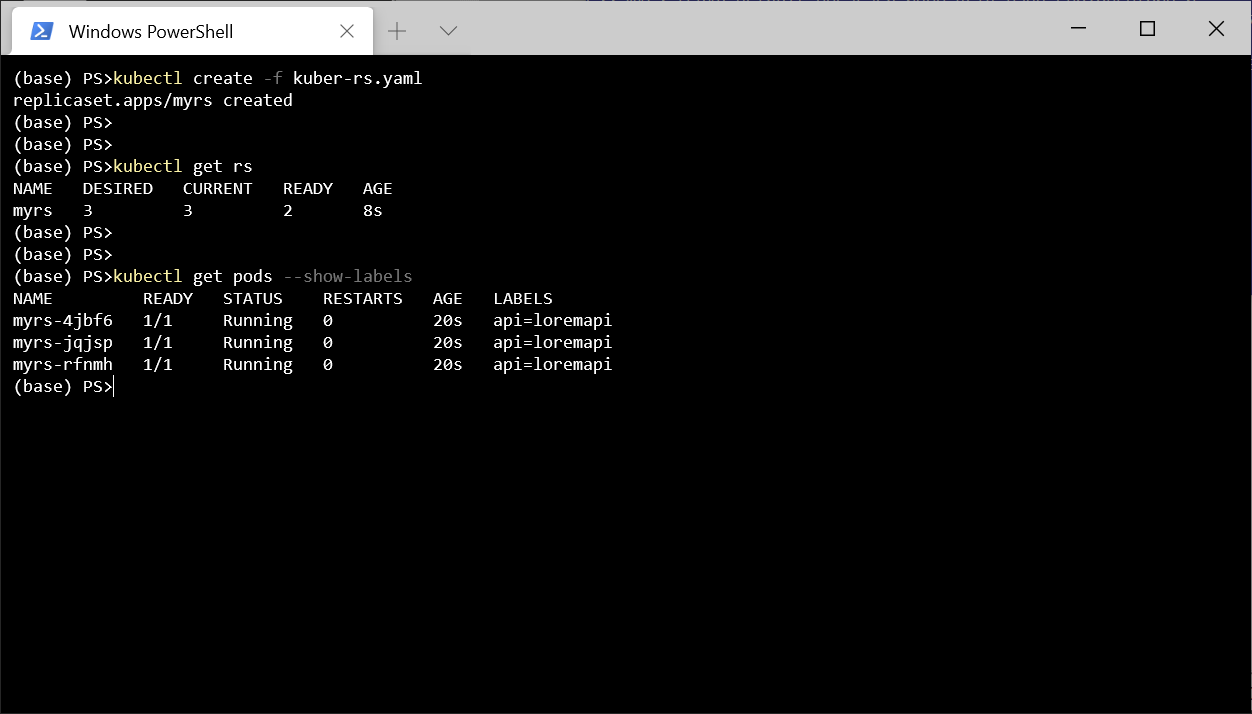
, Service LoadBalancer . , , spec.
apiVersion: v1
kind: Service
metadata:
name: mylb
spec:
type: LoadBalancer
selector:
api: loremapi
ports:
- port: 8080
targetPort: 80
kubectl get svc
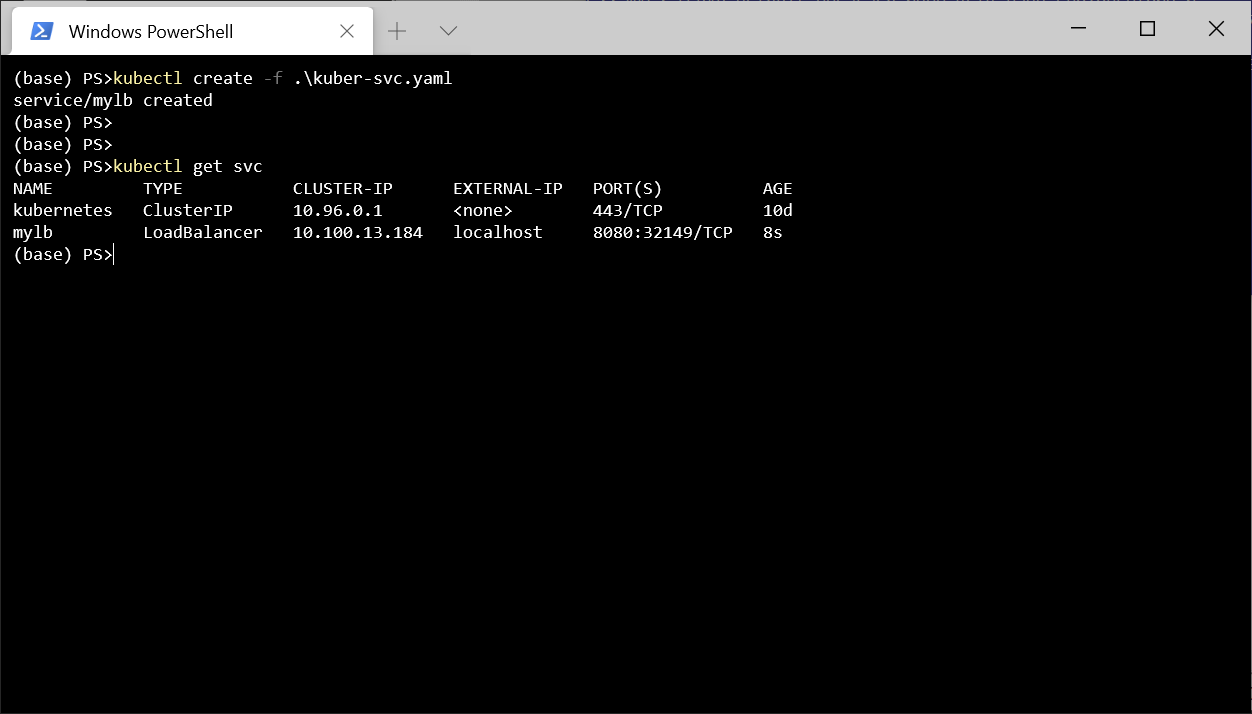
Postman http://localhost:8080/api/lorem
. .
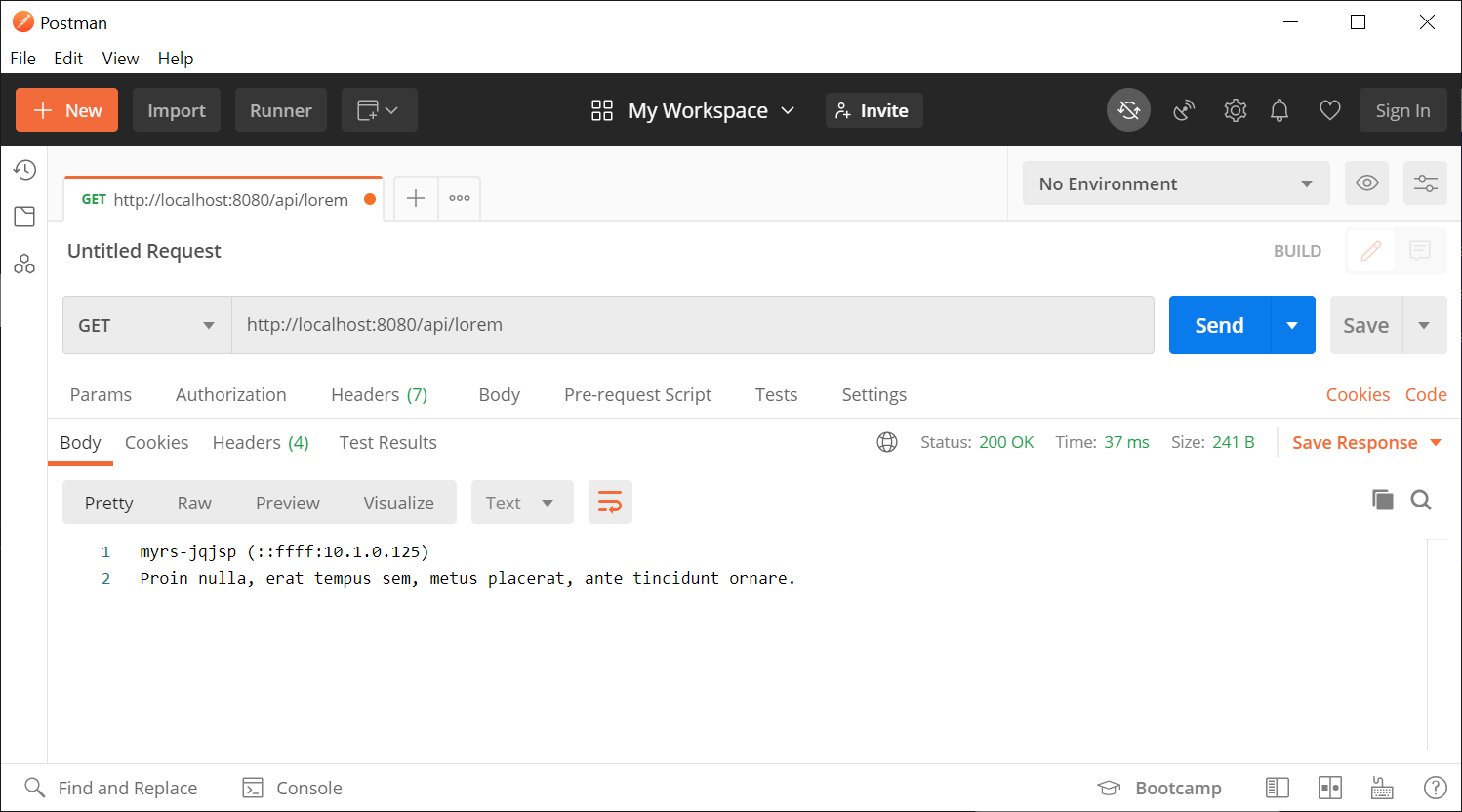
. . , , . , . , , Program.cs KeepAliveTimeout 1 , 2 , . , , , .
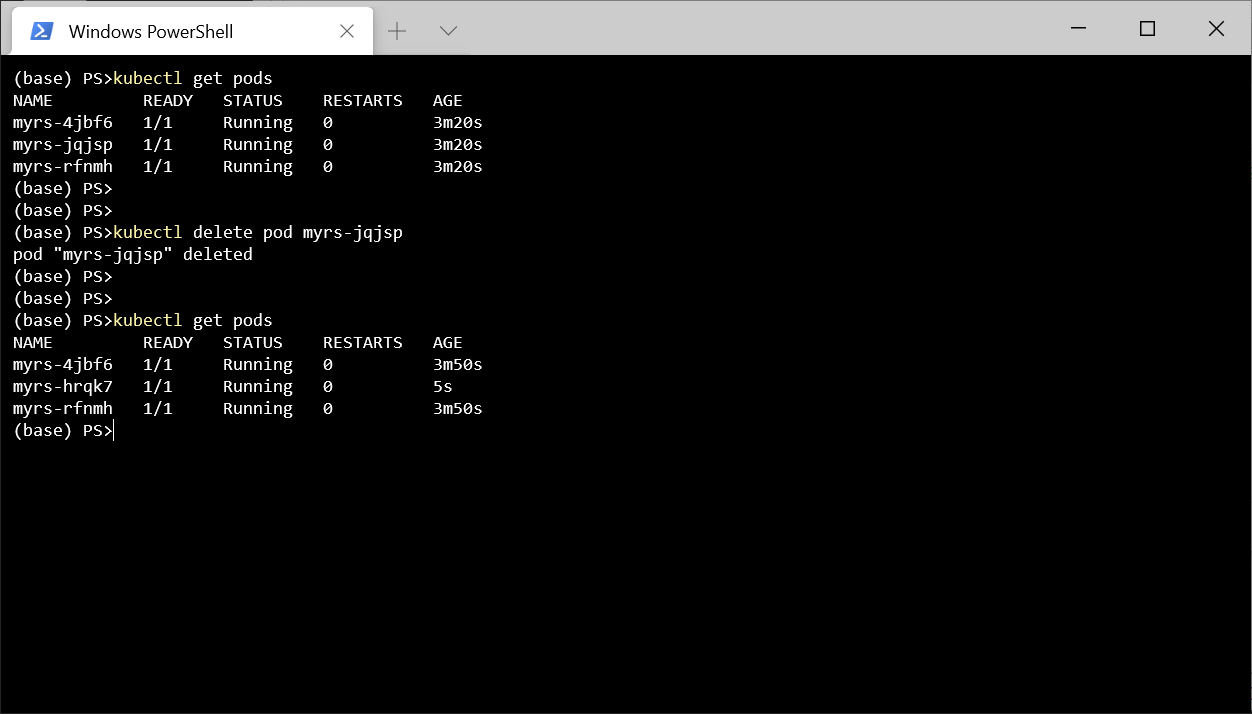
- , , - , , Kubernetes . Pod , , - , Kubernetes Pod.
, kubectl delete pod myrs-jqjsp
, , .
kubectl delete all --all
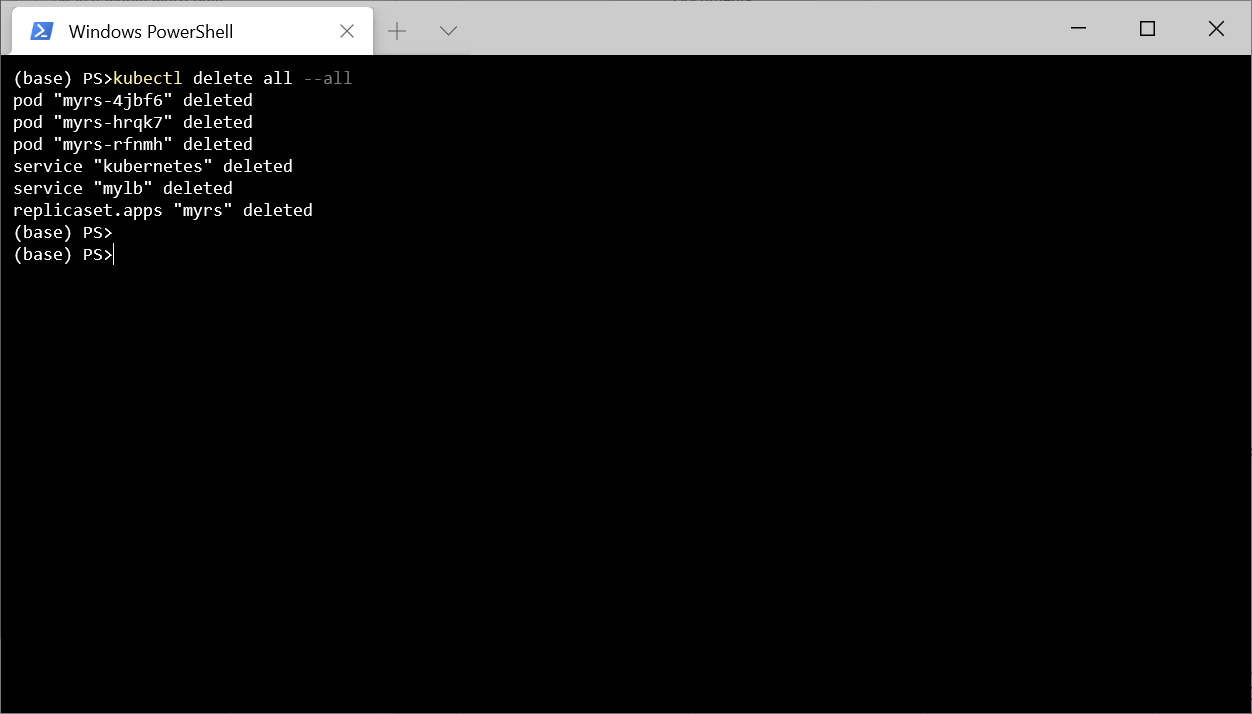
, , Kuberntes .
, , , Kubernetes , . , , , Kubernetes, .
, 3 .
exec. 0, .
TCP-. , .
GET- . , , , .
-, GET-. Docker Hub 1, .. - 2 .
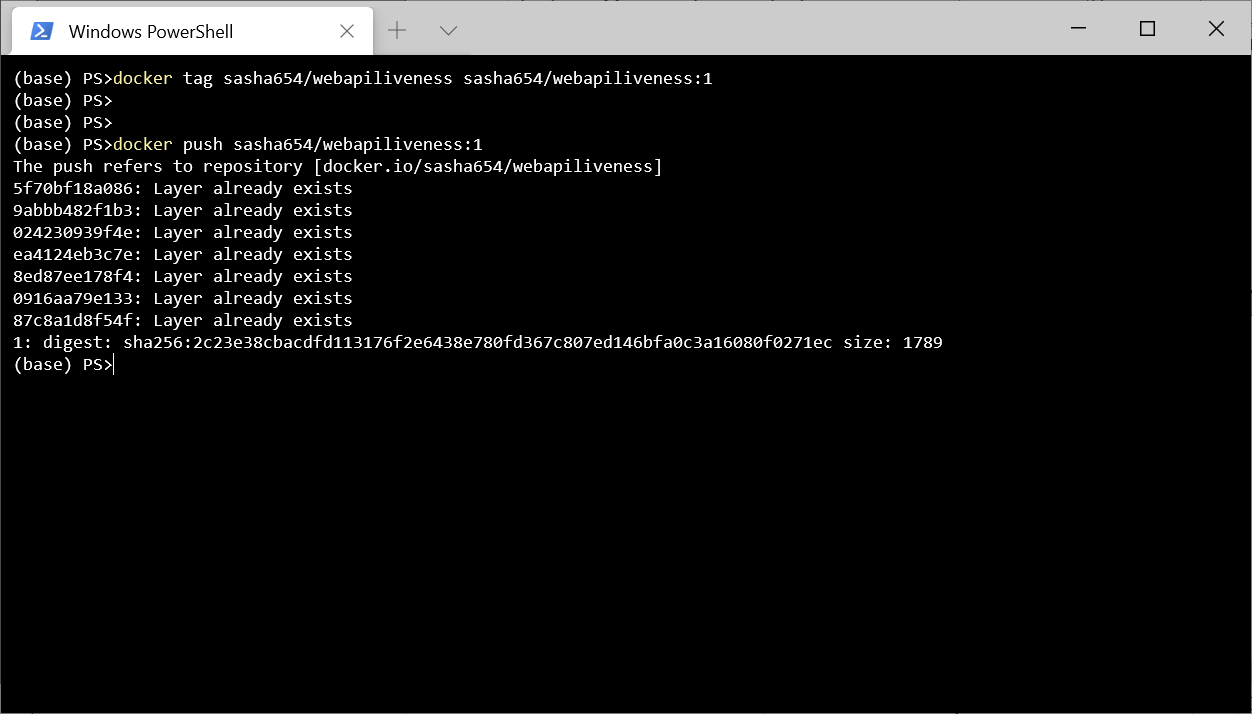
LoremService , API, , Kubernetes .
using LoremNET;
using System;
namespace WebApiLiveness.Services
{
public class LoremService
{
private int _wordCountMin = 7;
private int _wordCountMax = 12;
private int _numRequestBeforeError = 5;
private int _requestCounter = 0;
public LoremService()
{
IsOk = true;
}
public bool IsOk { get; private set; }
public string GetSentence()
{
if (_requestCounter < _numRequestBeforeError)
{
_requestCounter++;
var sentence = Lorem.Sentence(
_wordCountMin, _wordCountMax);
return sentence;
}
else
{
IsOk = false;
throw new InvalidOperationException(
$"{nameof(LoremService)} not available");
}
}
}
}
HealthController, GET- .
using Microsoft.AspNetCore.Mvc;
using System.Net;
using WebApiLiveness.Services;
namespace WebApiLiveness.Controllers
{
[ApiController]
[Route("api/[controller]")]
public class HealthController
{
private readonly LoremService _loremService;
public HealthController(LoremService loremService)
{
_loremService = loremService;
}
//GET api/health
[HttpGet]
public StatusCodeResult Get()
{
if (_loremService.IsOk)
{
return new OkResult();
}
else
{
return new StatusCodeResult(
(int)HttpStatusCode.ServiceUnavailable);
}
}
}
}
, Docker Hub, 2.
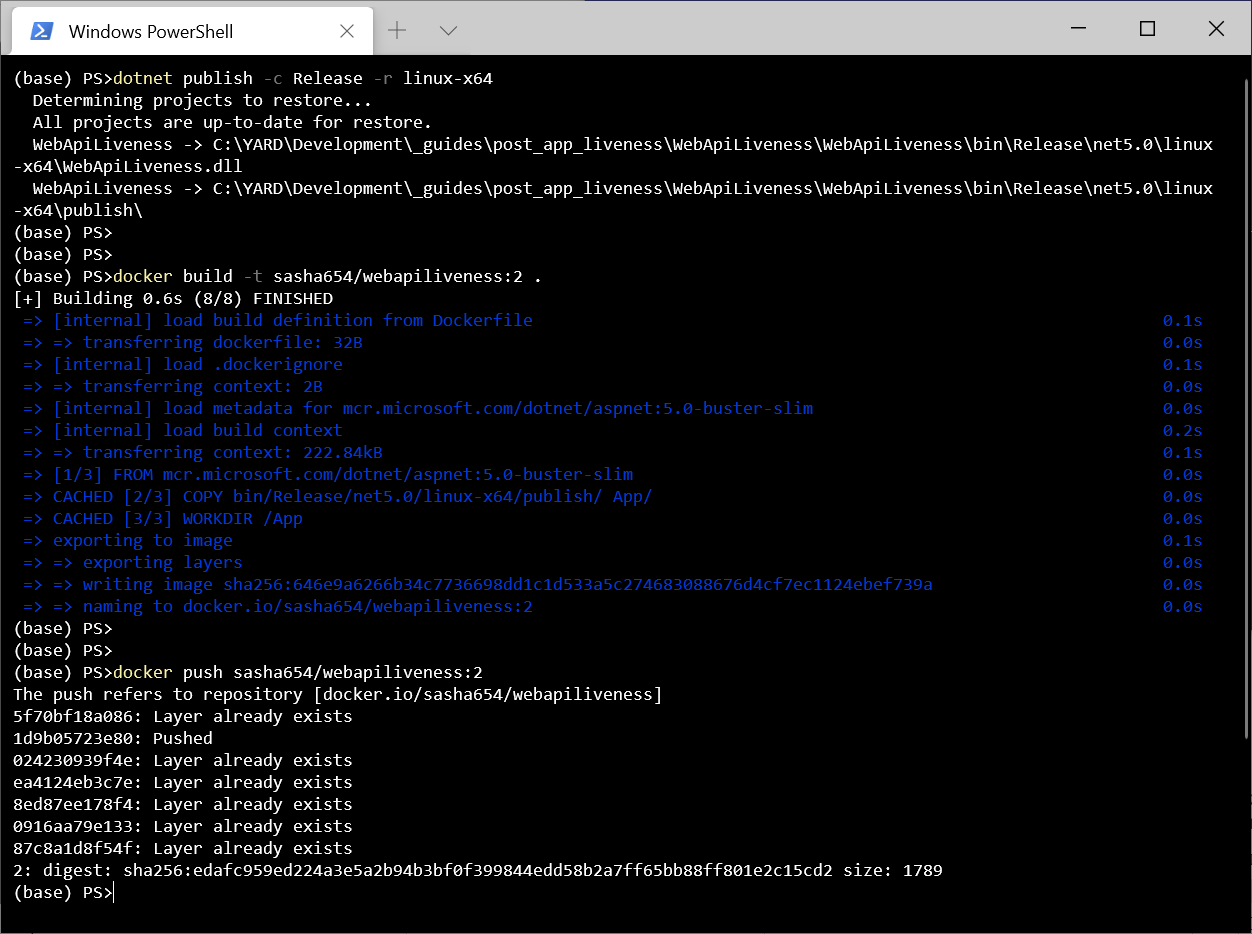
ReplicaSet . , , 1 , livenessProbe, Kubernetes .
apiVersion: apps/v1
kind: ReplicaSet
metadata:
name: myrs
spec:
replicas: 1
selector:
matchLabels:
api: loremapi
template:
metadata:
labels:
api: loremapi
spec:
containers:
- name: webapiliveness
image: sasha654/webapiliveness:2
livenessProbe:
httpGet:
path: /api/health
port: 80
initialDelaySeconds: 10
periodSeconds: 3
. , ReplicaSet Service.
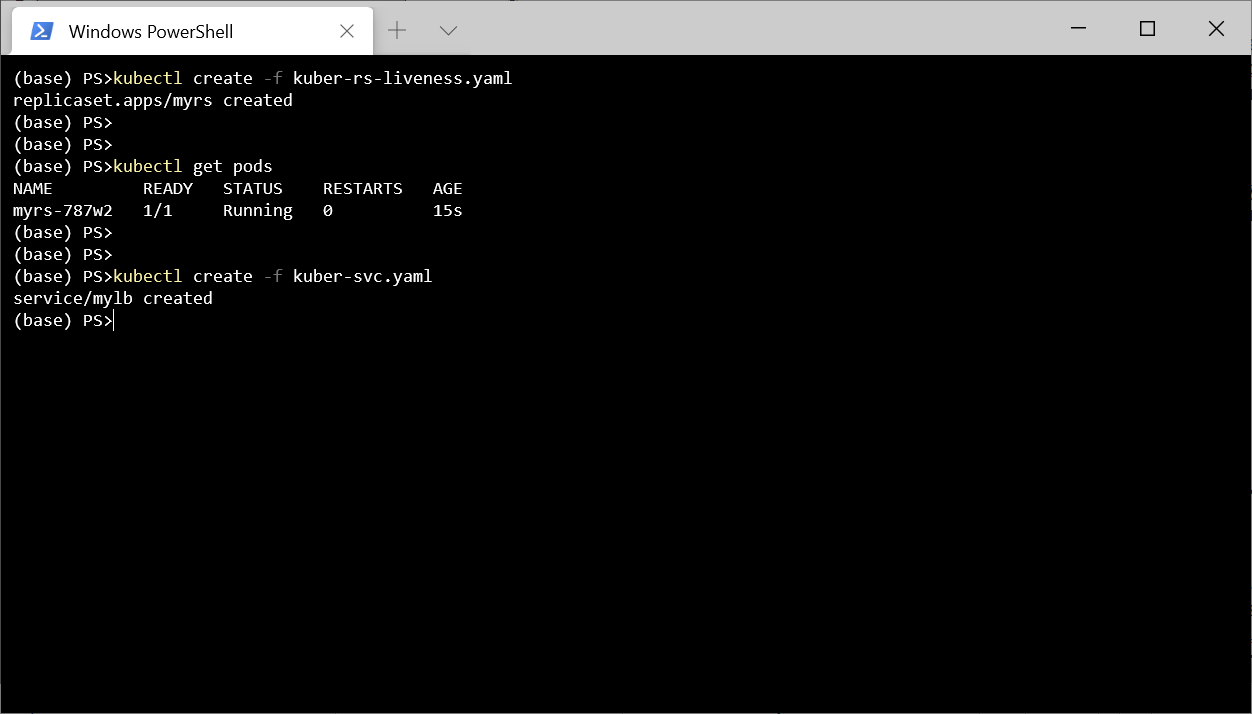
5 http://localhost:8080/api/lorem
.
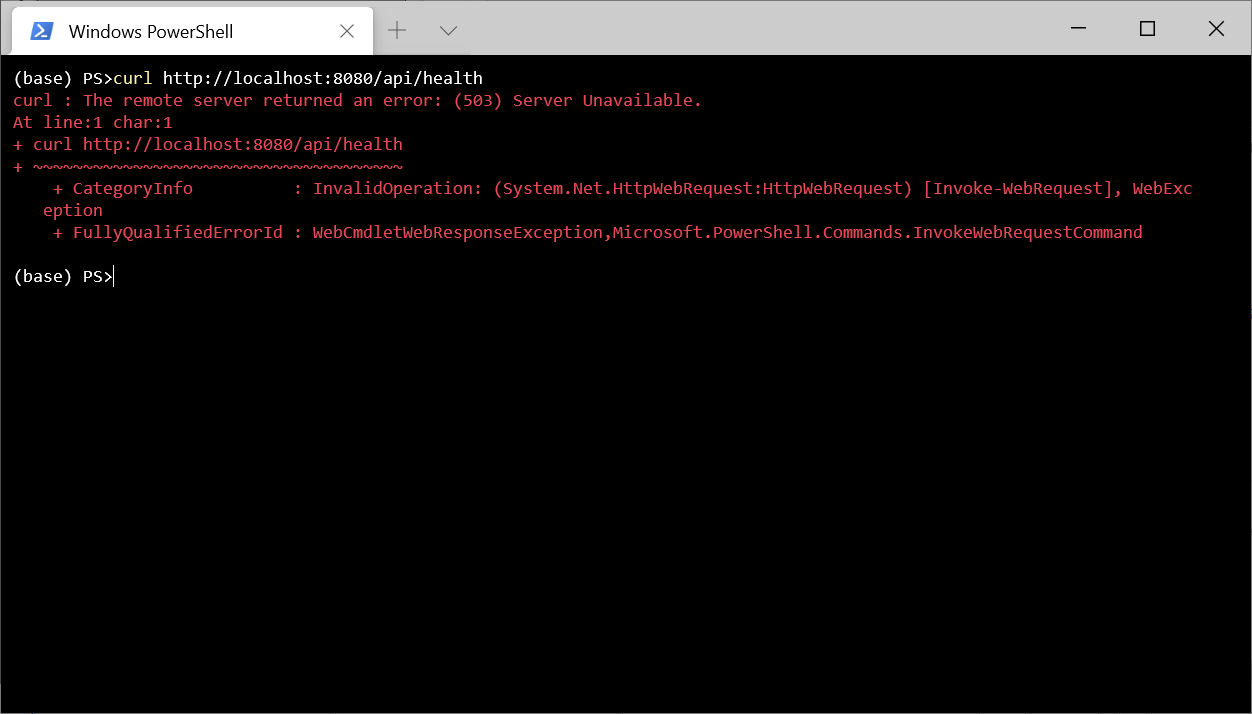
.
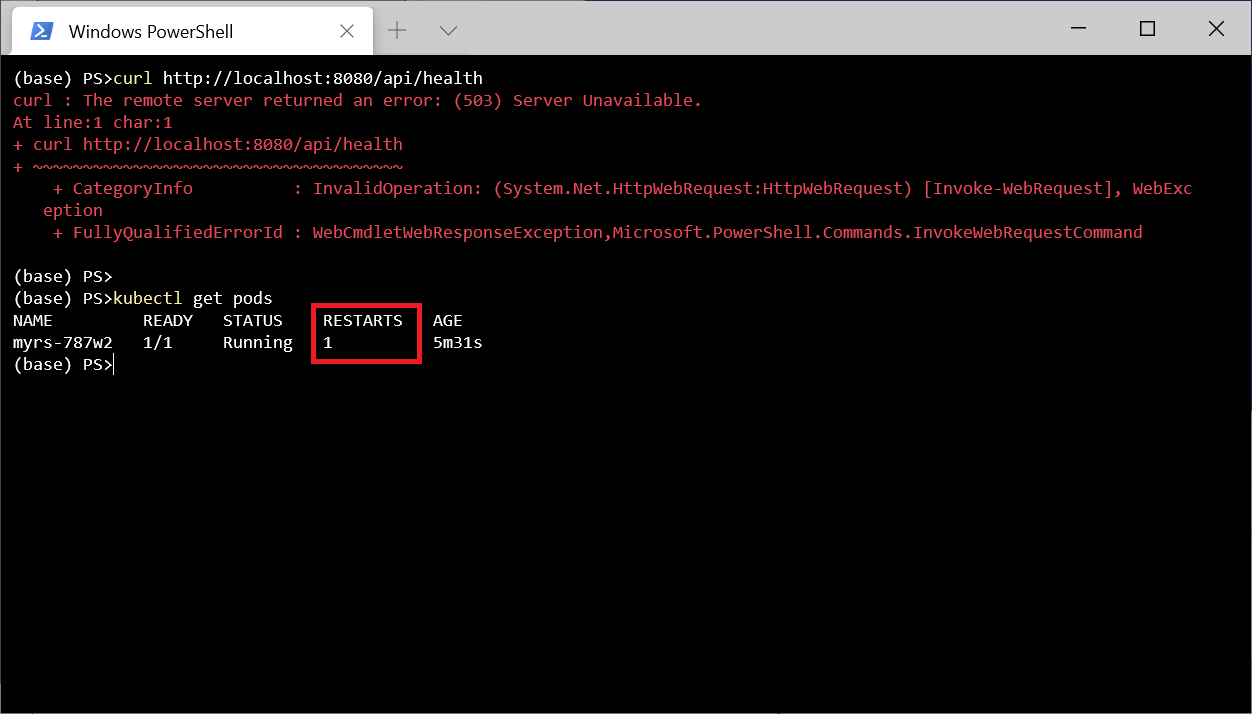
, kubectl describe pod myrs-787w2
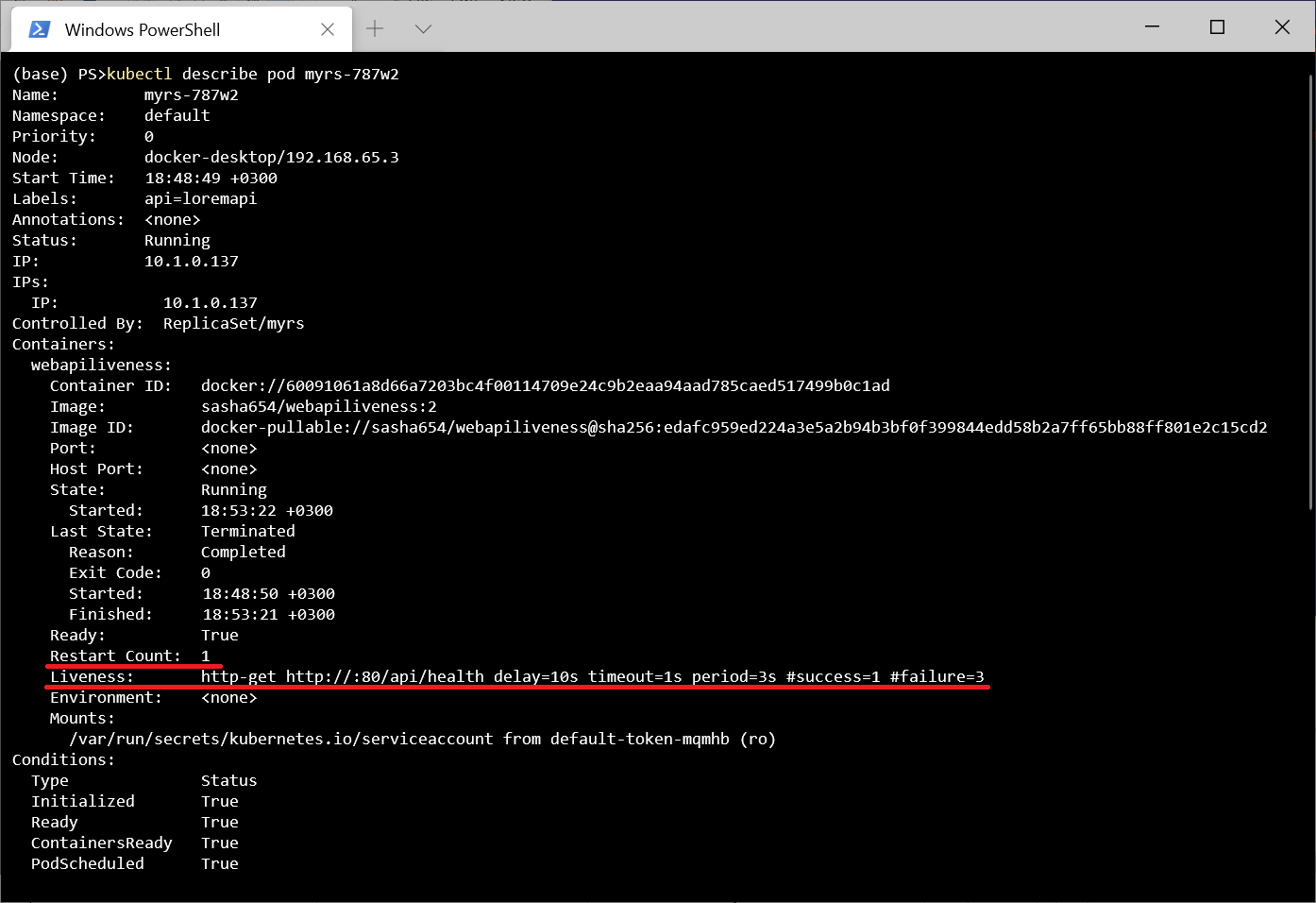
.
, , Kebernetes - (Readiness). , , . . - . , . , , Kubernetes .
最後に、ASP.NETがMicrosoft.AspNetCore.Diagnostics.HealthChecksミドルウェアを提供して、テストスクリプトを簡単に作成できるようにすることについて説明します。特に、SQL ServerDBMSやリモートAPIなどの外部リソースをチェックできる関数があります。
これがプロジェクトリポジトリです。